
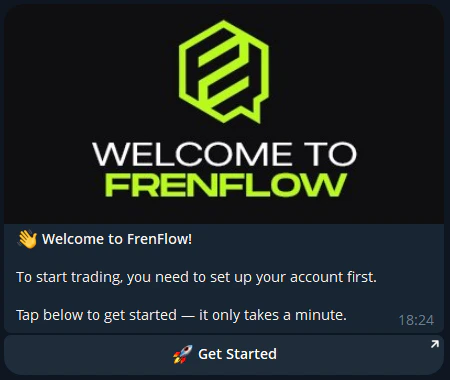
Getting Started
The FrenFlow Telegram Bot gives you access to all core features directly from Telegram — trading, copy trading, portfolio management, and more.Setup
1
Open the bot
Go to @FrenFlowBot on Telegram and click Start.
2
Create or link your account
New user: Sign up with email or wallet directly in Telegram.Existing user: Go to Settings → Link Telegram on the website to connect your account.
3
Fund your wallet
Use 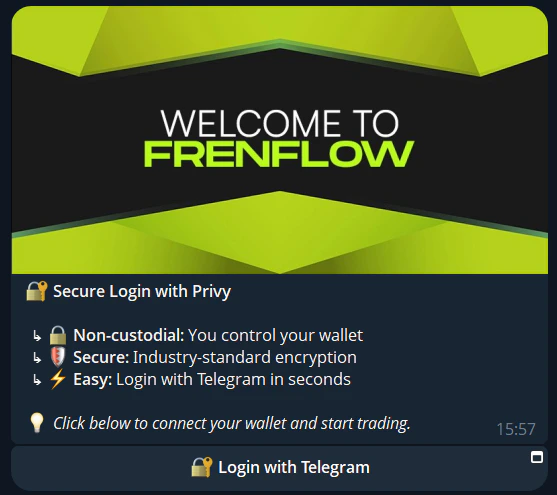
/wallet to see your deposit address. Send USDC from any exchange or wallet.4
Start trading
Browse markets, place trades, and copy traders — all from Telegram.
Account Sync
If you link your Telegram to an existing FrenFlow account:- Same wallet — Your balance and positions sync automatically
- Same settings — Trading preferences, copy trading configs, and risk limits
- Same portfolio — Every trade appears in both web and Telegram