
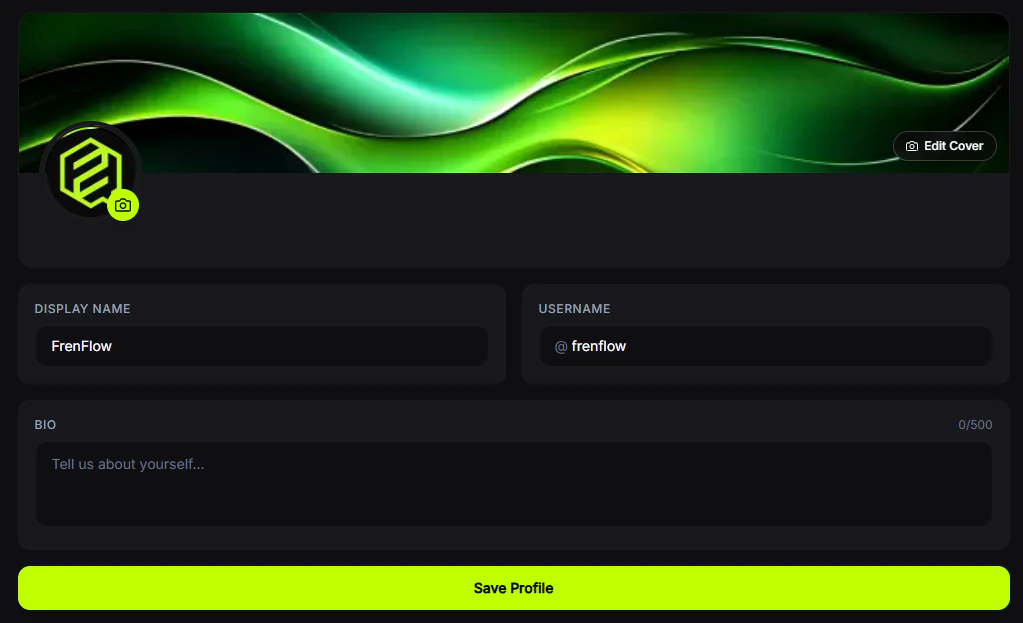
Profile Settings
Customize how you appear on FrenFlow.Editable Fields
Linked Accounts
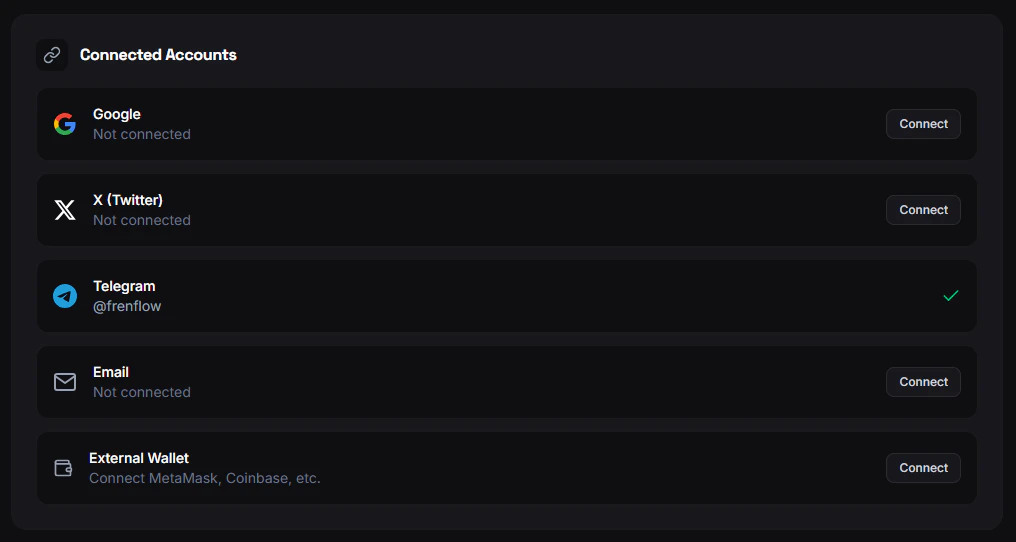
Connect additional accounts to your FrenFlow profile:- Email — For login and notifications
- Wallet — External crypto wallet
- X (Twitter) — Show your Twitter handle
- Telegram — Link your Telegram for bot access
- Discord — Connect your Discord account
Ninja Mode
Enable Ninja Mode to hide your portfolio and trading activity from public view. Your profile stays visible, but your positions and trade history become private.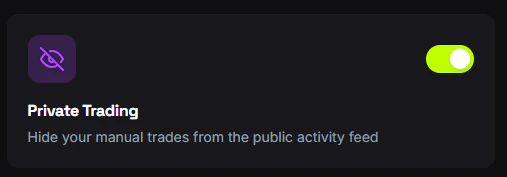
From Telegram
Use/account in the bot to view your connected account info, Telegram ID, wallet address, and trading status. You can also link or unlink your web account from the bot.