

Welcome to FrenFlow
This guide walks you through everything you need to go from zero to trading on prediction markets. Follow these steps and you’ll be placing your first trade in under 5 minutes.Step 1: Create Your Account
1
Go to frenflow.com
Open frenflow.com in your browser (desktop or mobile).
2
Sign up
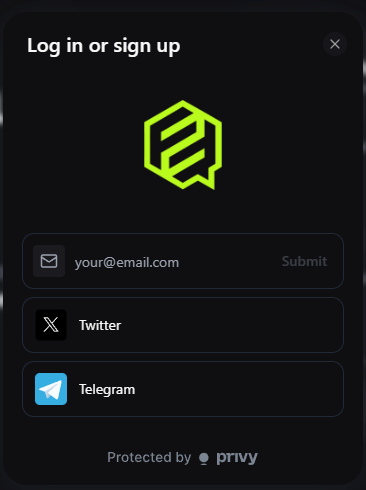
Click Log In and choose your preferred method:
- Email — Enter your email, receive a verification code
- Google — One-click sign-in with your Google account
- Wallet — Connect MetaMask, Rabby, or any Web3 wallet
- X (Twitter) — Sign in with your X account
- Telegram — Connect via Telegram
3
Your wallet is created automatically
FrenFlow creates an embedded wallet for you on Polygon. No seed phrases, no MetaMask popups — it just works.
Already have a Telegram account? You can also start from the Telegram Bot instead.
Step 2: Enable Trading
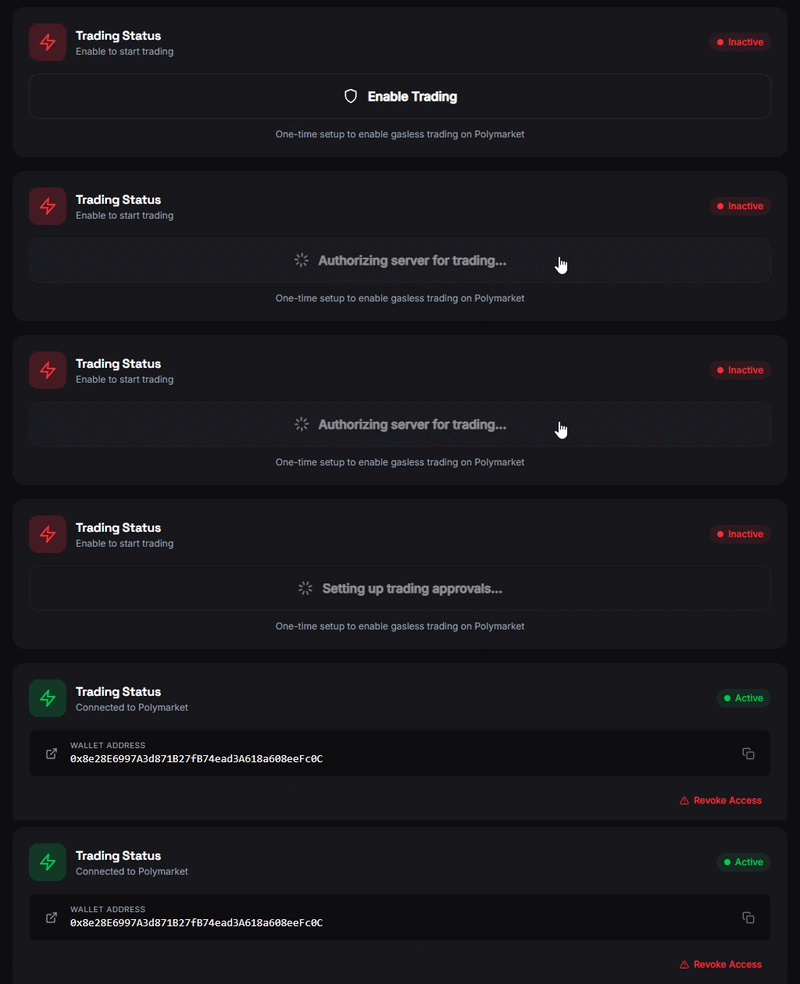
Before you can place any trade, you need to enable trading once:- Go to Settings → Trading
- Click Enable Trading
- Wait ~10 seconds for your on-chain credentials to be created
Step 3: Fund Your Wallet
You need USDC to trade. FrenFlow supports deposits from 15+ chains.- Click on your balance in the header (or go to Wallet)
- Copy your deposit address
- Send USDC from any exchange or wallet to that address
- Wait a few minutes for the deposit to arrive
Step 4: Find a Market
Now the fun part. There are several ways to discover markets:Step 5: Place Your First Trade
- Click on any market to open it
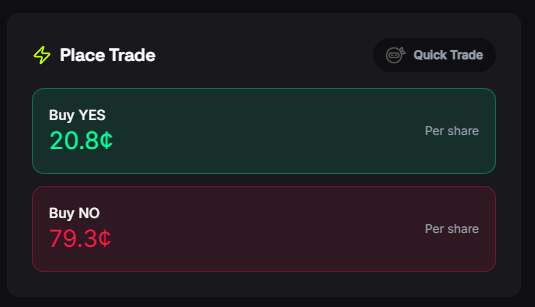
- Choose Yes or No based on your prediction
- Enter the amount you want to spend (start small — $5 is fine)
- Click Buy to place a market order
- Done! Check your position in Portfolio → Positions
What’s Next?
Your First Trade
Detailed walkthrough of the trading interface with tips for beginners.
Copy Your First Trader
Let top traders do the work. Learn how to set up copy trading.
Trading from Telegram
Prefer Telegram? Set up the bot and trade from your chat.
Earn Fren Points
Learn all the ways to earn FP, level up, and unlock rewards.