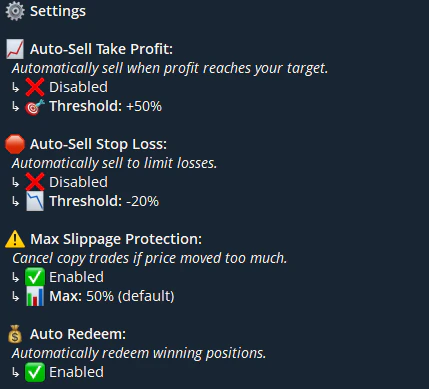
Trading Settings
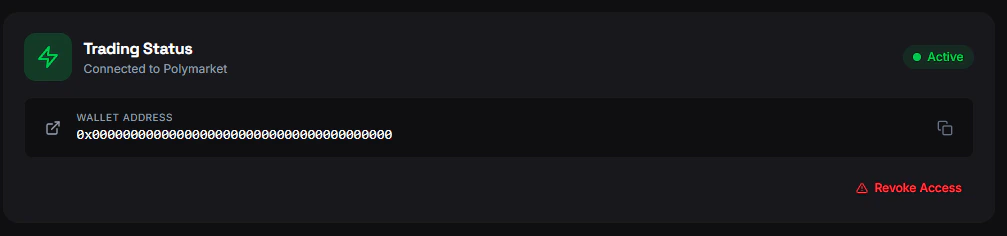
Configure your trading preferences from Settings → Trading.Enable/Revoke Trading
- Enable Trading — One-time setup that creates your on-chain credentials and approves your wallet. Required before placing any trade.
- Revoke Trading — Disable trading and revoke wallet approvals. You can re-enable later.

Risk Management
Notifications
Toggle trading-related notifications:- Copy trade alerts — When a copy trade executes
- Wallet tracker alerts — When tracked wallets trade
- Price alerts — When markets hit your target price
- Momentum alerts — Price movement notifications
- News notifications — Market news updates
From Telegram
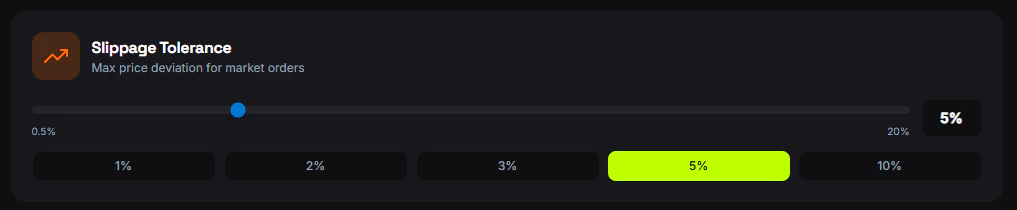
Use/settings in the bot to configure trading settings including take profit, stop loss, max slippage, quick-buy amounts, and instant buy/sell toggles. Changes sync with the web automatically.