Notification Types
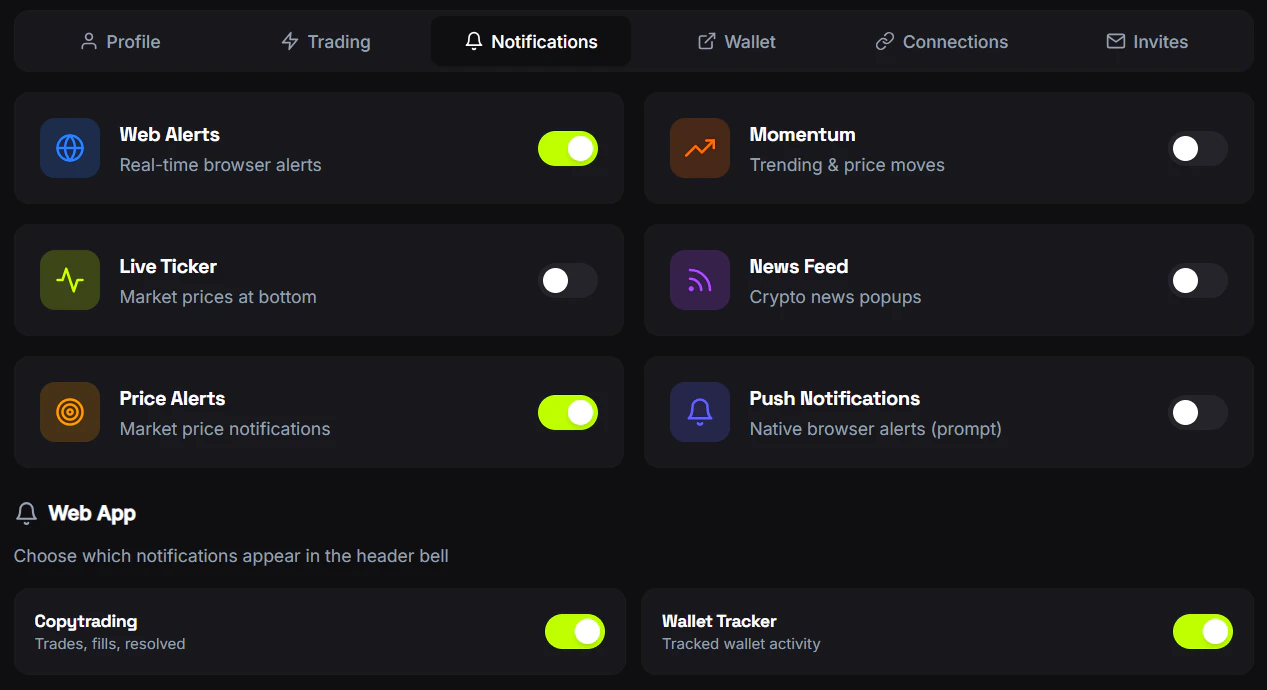
FrenFlow sends notifications for various events across trading, copy trading, and social activity:Notification Channels
Web Push
Browser notifications on desktop. Enable from Settings → Notifications.
Telegram
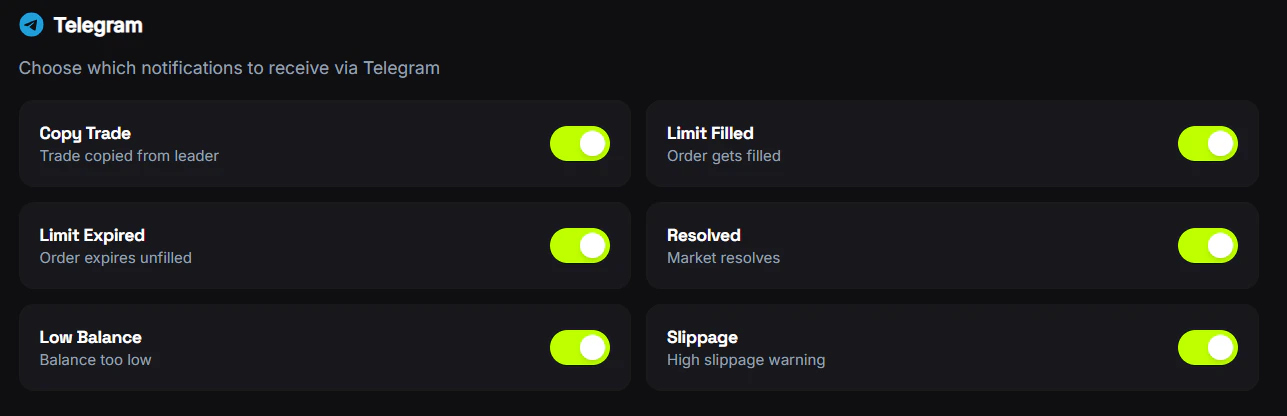
Direct messages from the FrenFlow bot. Enabled automatically when you link Telegram.
Managing Notifications
Go to Settings → Notifications to toggle each notification type on or off. You can also configure:- News notifications — RSS feed updates about prediction markets
- Momentum alerts — Price movement alerts for markets you follow
From Telegram
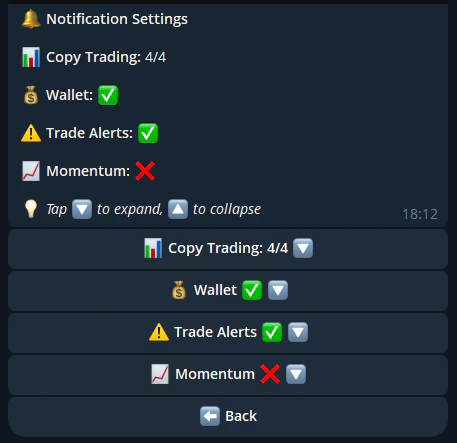
Use/notifications in the bot to toggle each notification type. You can also configure momentum alert settings (threshold, category, max alerts per window) directly from the chat. Changes sync between web and Telegram.