

Two Ways to Exit
You have two ways to get USDC back from a prediction market position:Selling a Position
From the Web
1
Go to Portfolio
Open frenflow.com/portfolio and find your position in the Positions tab.
2
Click Sell
Click the Sell button on the position card.
3
Choose how much
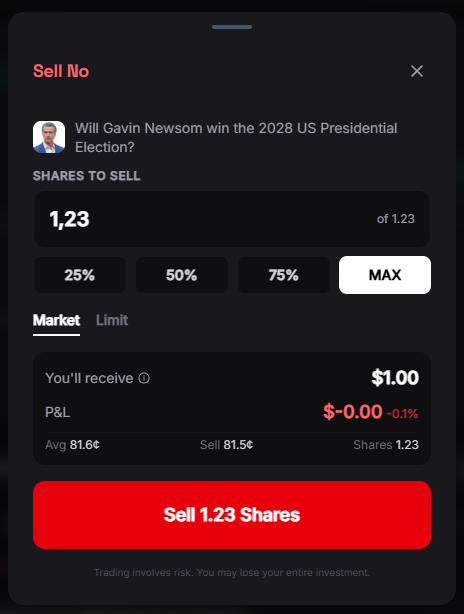
Enter the number of shares to sell, or use the quick buttons:
- 25% / 50% / 75% / 100% of your position
- Or type a custom amount
4
Pick order type
- Market (default) — sells instantly at best bid. Recommended for most cases.
- Limit — set your own price. Better price but may not fill.
5
Confirm and done
Click Sell. USDC arrives in your wallet within seconds.
From Telegram
1
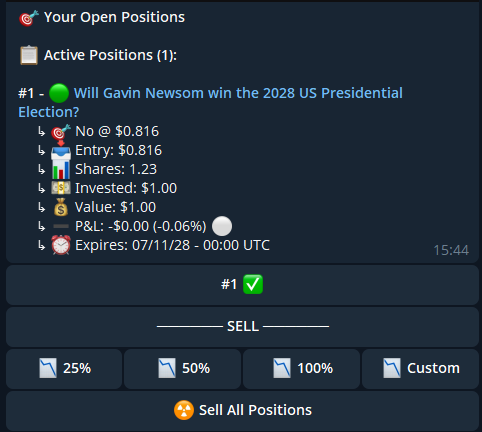
Open positions
Send
/positions to @FrenFlowBot.2
Tap the position
Select the position you want to sell.
3
Choose percentage
Tap 25%, 50%, 75%, or 100% to sell that portion at market price.
Sell All
Want to close everything at once?- Web: Portfolio → Positions → click Sell All at the top
- Telegram:
/positions→ tap Sell All
Redeeming Winning Positions
When a market resolves and you won, your shares are worth $1.00 each.Auto-Redeem (Recommended)
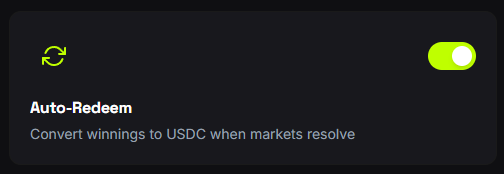
Turn on auto-redeem and never worry about it:- Go to Settings → Trading
- Enable Auto-Redeem
- FrenFlow collects your winnings automatically when markets resolve
Manual Redeem
1
Check your portfolio
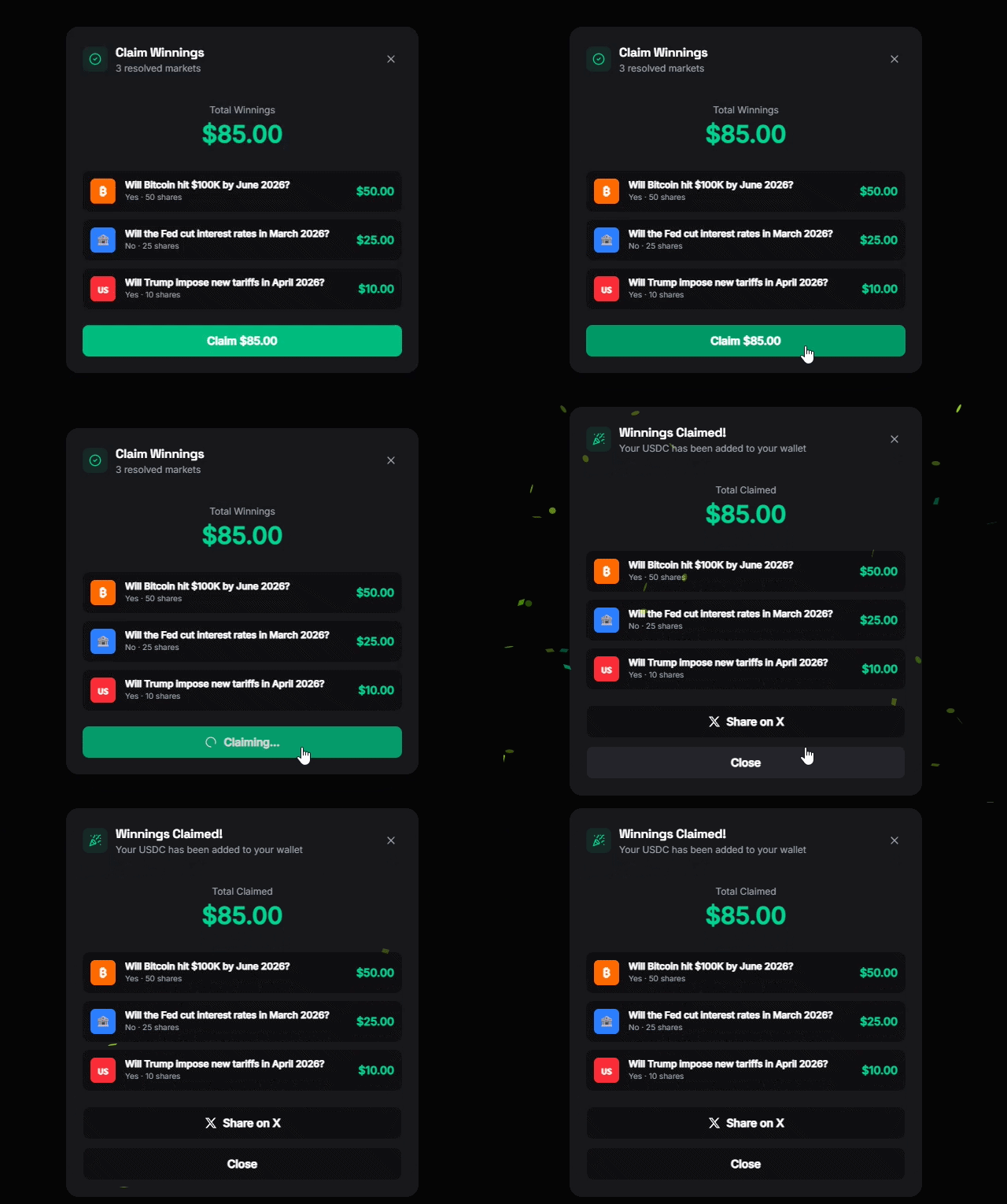
A green Redeem banner appears at the top of your Positions page when you have redeemable positions.
2
Click Redeem
Click Redeem on individual positions, or Redeem All to collect everything at once.
3
USDC in your wallet
Redemption takes 5–30 seconds. Your balance updates once the transaction confirms.
Common Issues
Sell said 'Order was not filled'
Sell said 'Order was not filled'
No buyers at that price. For market sells, this means zero liquidity. Try again later or wait for resolution.
I won but don't see Redeem
I won but don't see Redeem
The market may still be settling or under UMA dispute. Check back in a few minutes. If it persists, the outcome is being voted on.
Position still shows after selling
Position still shows after selling
It can take a few seconds for the UI to update. Refresh the page. If it persists after 30 seconds, the sell may have partially filled — check your trade history.