
Search Markets
Find any market instantly by typing keywords into the search bar.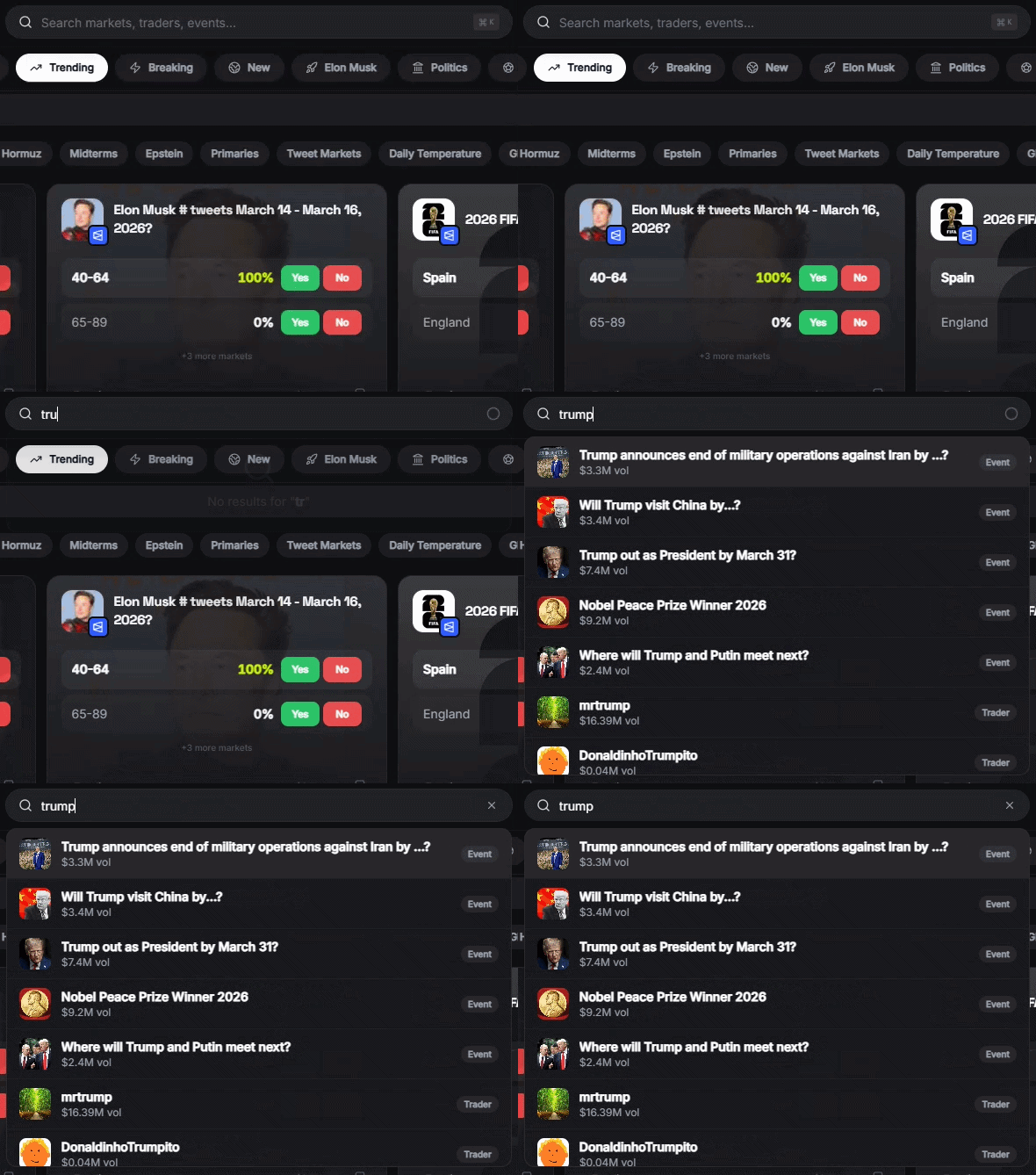
How to Search
1
Open search
Click the search bar at the top of any page, or use the keyboard shortcut.
2
Type your query
Search by market name, topic, or keyword. Results appear as you type.
3
Browse results
Each result shows the market title, current price, and source (Polymarket or Kalshi).
4
Trade or save
Click to open the market detail page, or bookmark it for later.
Search Tips
- Be specific — “Bitcoin 100k June” works better than just “Bitcoin”
- Use names — Search for people, teams, or companies directly
- Real-time results — Markets from both Polymarket and Kalshi appear instantly as you type
- Bookmark results — Save interesting markets to your watchlist for quick access later
- Filter by category — Browse markets by topic using Categories
Telegram
You can also search markets from the Telegram bot:- Use the
/searchcommand followed by your query - Or just type any text directly — the bot will search for markets automatically
- Paste a Polymarket URL to instantly get market details and trade buttons