
Why Share?
Sharing your trades and performance is how you build your reputation on FrenFlow. PnL cards look great on X (Twitter), Telegram, and the FrenFlow social feed — and you earn Fren Points for posting.PnL Cards
PnL cards are auto-generated images that showcase your performance. There are two types: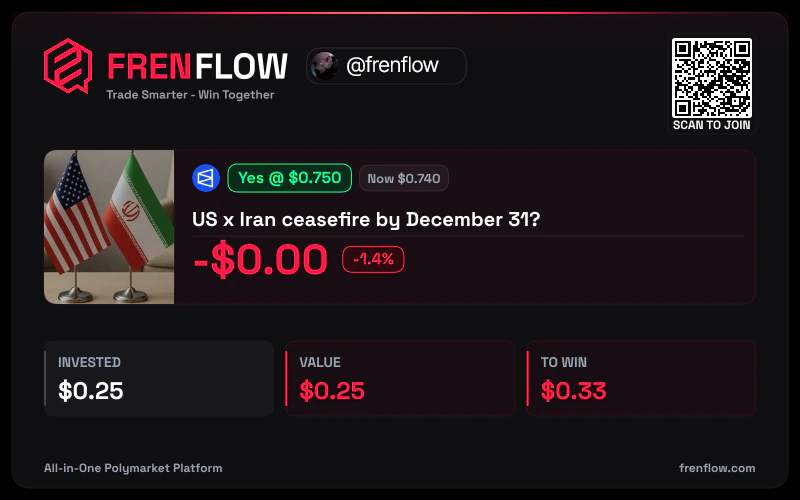
Position Card
Shows a specific trade:- Market name and outcome
- Entry price vs. current price
- Profit/loss amount and percentage
- FrenFlow branding
- Go to Portfolio → Positions
- Click Share on any position
- The PnL card image is generated instantly
- Download or share directly to X, Telegram, or the FrenFlow feed
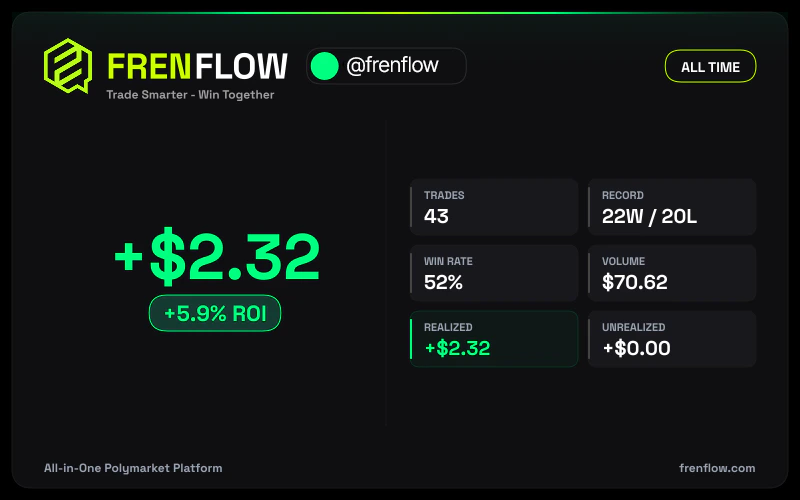
Stats Card
Shows your overall performance:- Total PnL
- Win rate
- Trading volume
- Number of trades
- Go to your Profile page
- Click the Share Stats button
- Choose your time period
- Download or share
Posting to the Social Feed
After any trade, you can share it to the FrenFlow feed:1
Complete a trade
After buying or selling, the confirmation screen appears.
2
Click Share
The share button opens a post composer.
3
Add your take
Write your reasoning, prediction, or analysis (up to 1,000 characters).
4
Post
Your trade + commentary appears in the public feed and your followers’ feed.
From Telegram
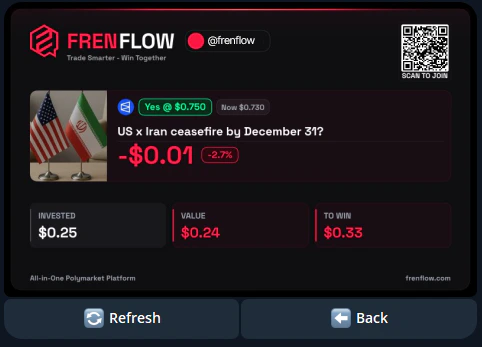
Generate PnL cards from the bot too:- Use
/positionsand select a position - Tap the PnL Card option
- The bot generates and sends you the image
- Forward it to any chat, group, or channel
Sharing on X (Twitter)
PnL cards are optimized for social media. When you download one:- Resolution — High-res, looks sharp on any platform
- Branding — FrenFlow logo + your username included
- Format — Ready to post as an image tweet