

What is Degenbox?
Degenbox is your personal multi-market dashboard. Add the markets you’re watching, choose what data to display, and monitor everything in real-time — like a trading desk for prediction markets.1. Open Degenbox
Navigate to Degenbox from the sidebar. You’ll start with an empty board.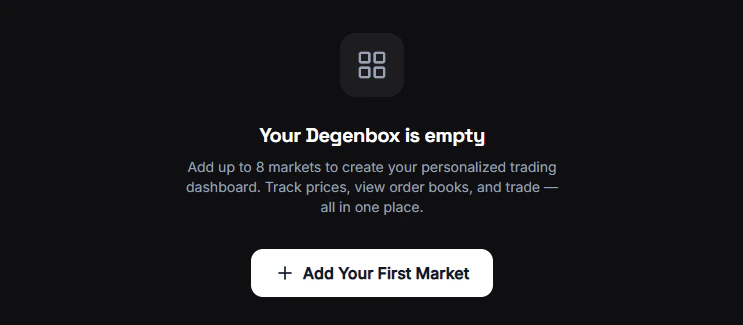
2. Add Your First Markets
1
Click the + button
A search modal opens where you can find any Polymarket market or event.
2
Search for a market
Type a keyword — “bitcoin”, “election”, “champions league” — and browse the results.
3
Add it
Click on a market or event to add it to your board. You can add:
- Individual markets — A single Yes/No question
- Events — An entire event with multiple related markets (e.g., “2026 Election” with all candidate markets)
4
Repeat
Add as many markets as you want. Build your watchlist.
3. Choose Your View
Each market card has three display modes. Toggle between them to see the data that matters most:4. Organize Your Board
Drag and drop cards to rearrange them. Put your hottest markets at the top. Suggested layouts: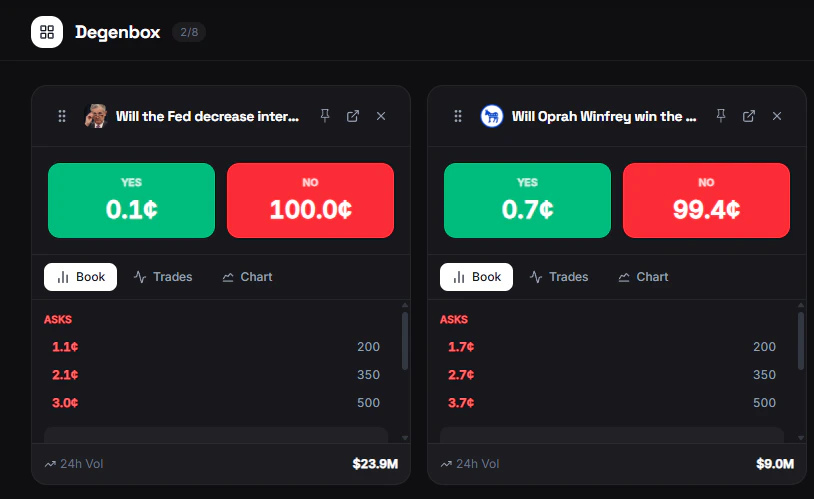
5. Pin Markets
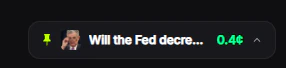
Click the Pin button on any market to pin it as a floating widget in the bottom-right corner of your screen. Pinned markets stay visible while you browse other pages — you can see live prices, mini-charts, and trade directly from the widget without leaving the page you’re on.
- Expand or collapse each pinned market
- Buy Yes/No directly from the floating widget
- Remove with the X button
6. Trade Directly
Click on any market card to open the full market page with the trading modal. No need to search again — go straight from monitoring to trading.Good to Know
- Saved locally — Your layout persists in your browser across sessions
- Real-time prices — All cards update live, no need to refresh
- Remove anytime — Click the remove button on any card to take it off
Degenbox is a web-only feature. It’s not available from the Telegram Bot — use
/bookmarks in Telegram for a similar saved-markets experience.