
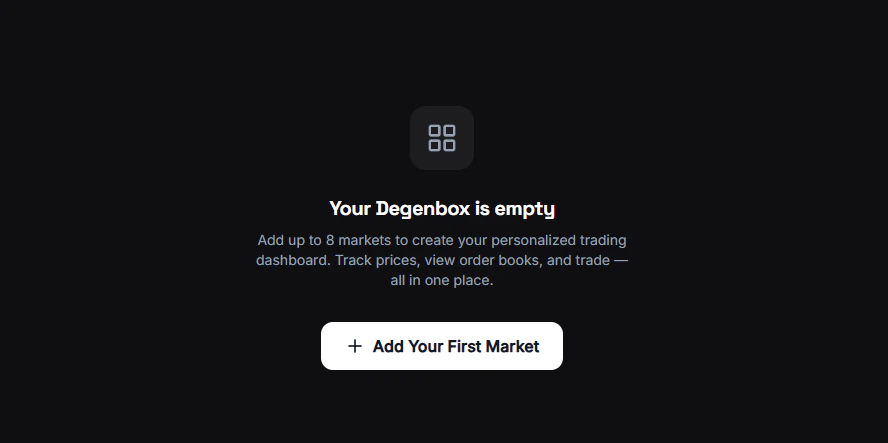
What is Degenbox?
Degenbox is your personal, customizable market dashboard. Add the markets you care about most and monitor them all in one place with live price updates. Think of it as a multi-screen trading desk — but for prediction markets.How It Works
1
Open Degenbox
Navigate to the Degenbox page from the sidebar.
2
Add markets
Click the + button and search for any Polymarket market or event. Add as many as you want.
3
Customize your view
For each market, choose what to display: orderbook, recent trades, or price chart. See Customize for all options.
4
Monitor
All markets update in real-time. Rearrange them by dragging and dropping.
Market Data
Prices
Live YES/NO probability for every market on your board.
Volume
24h trading activity — see which markets are heating up.
Your View
Switch each card between orderbook, trades, or chart.
Persistence
Your Degenbox layout is saved locally in your browser. Your markets and arrangement persist across sessions — no need to set it up again each time.Degenbox is a web-only feature. On Telegram, use
/bookmarks for a similar saved-markets experience.