
Documentation Index

Fetch the complete documentation index at: https://docs.frenflow.com/llms.txt

Use this file to discover all available pages before exploring further.

Price Alerts

Price Alerts

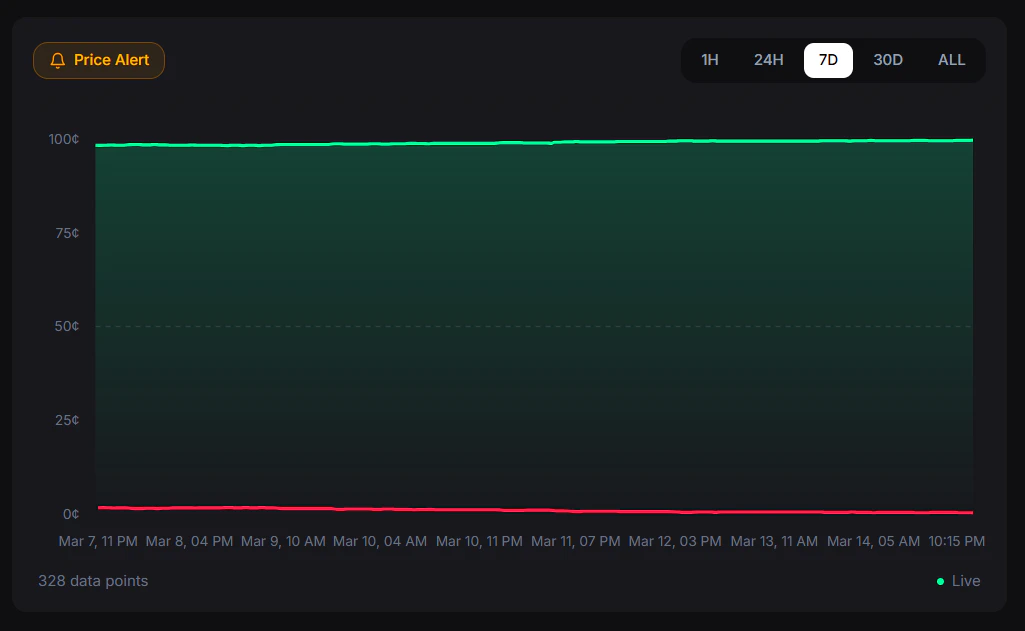
Set price alerts on any market to get notified when the probability hits your target. Never miss a trading opportunity.

How to Set an Alert

1

Open a market

Go to any market detail page.
2

Click the alert icon

Set your target price and condition.
3

Configure

Choose above or below your target price (1¢ to 99¢).
4

Done

You’ll be notified when the market hits your target.
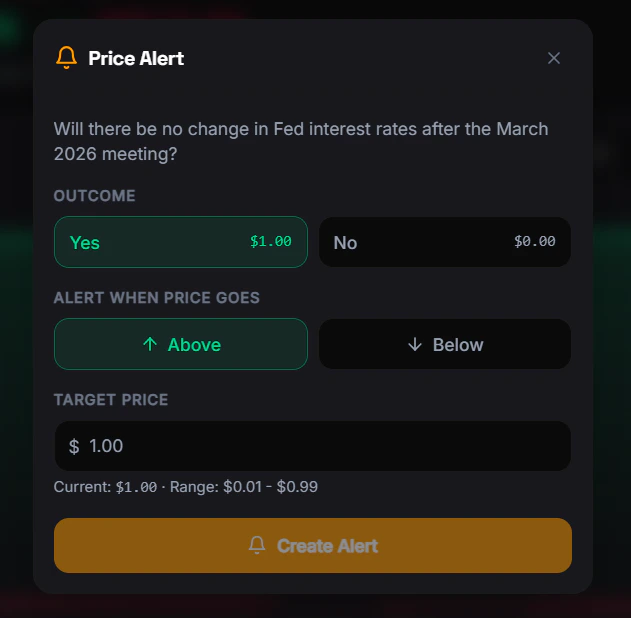
Price Alert Notification
When the market price crosses your target:
  • Web Push — Notification in your browser
  • Telegram Alert — Message from the FrenFlow bot

Alert Rules

RuleValue
Max active alerts5 per user
Price range1¢ to 99¢
ConditionsAbove or below target
ExpirationOptional — set an expiry date or leave open

Where Alerts Appear

  • Web — Browser push notifications
  • Telegram — Direct message from the bot

From Telegram

Manage price alerts directly from the bot:
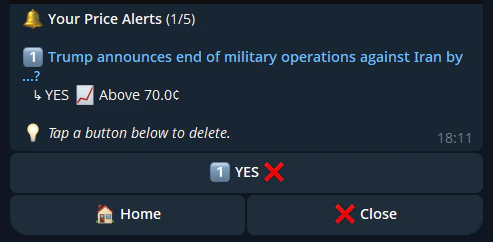
/alerts          — View and manage your active alerts
Price Alert from Telegram
  You can also create alerts by tapping the alert icon on any market in the bot. Choose the outcome (Yes/No), condition (above/below), and target price — all inline.