

Why Telegram?
The FrenFlow Telegram Bot gives you the full trading experience without opening a browser. Same wallet, same portfolio, same execution engine — just faster for mobile trading.1. Set Up the Bot
1
Open the bot
Go to @FrenFlowBot on Telegram and tap Start.
2
Create or link your account
New to FrenFlow? Sign up directly in Telegram — email or wallet.Already have an account? Go to Settings → Link Telegram on the website to connect. Your wallet, positions, and settings sync automatically.
3
Enable trading
Use
/enabletrading to set up your trading credentials. This opens a Privy Mini App — same secure process as the website.4
Fund your wallet
Use 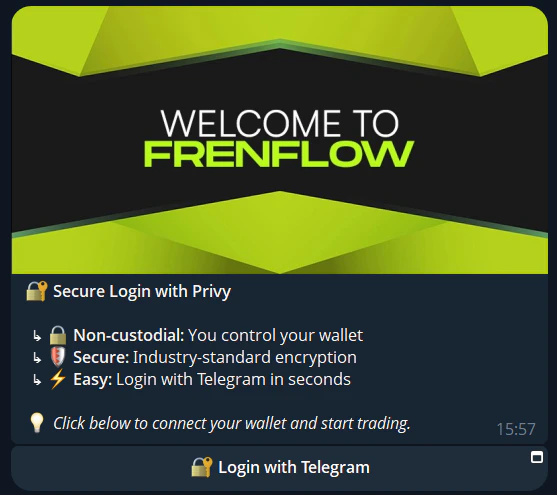
/wallet to see your deposit address. Send USDC from any exchange or wallet.2. Find Markets
Three ways to discover markets:Quick Search
Just type any text directly in the chat. The bot searches for matching markets instantly. No command needed.Browse by Category
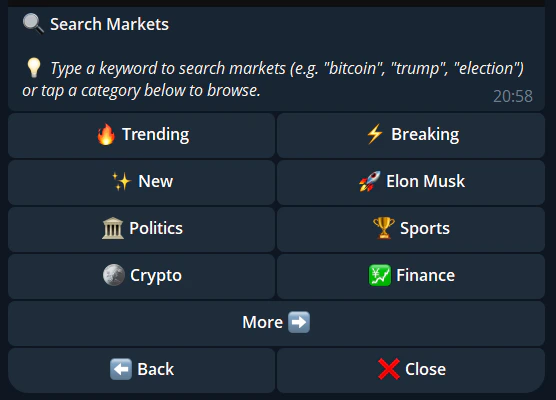
Use/search to see all 15+ categories. Tap a category to browse subcategories and individual markets.
Trending
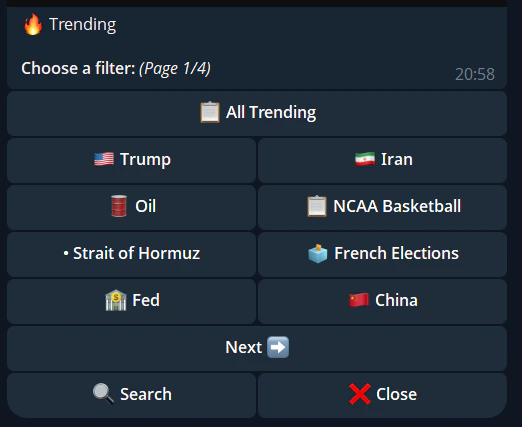
Use/trending to see the most popular markets right now.
Paste a Link
Paste any Polymarket URL in the chat — the bot detects it, shows the market details, and gives you trade buttons.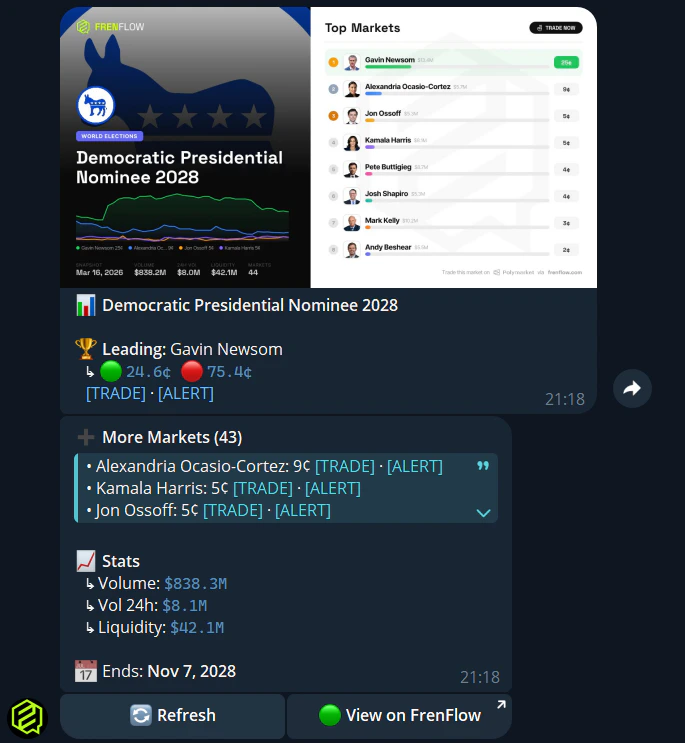
3. Place a Trade
1
Select a market
From search results or trending, tap the market you want.
2
Choose Yes or No
Tap Buy Yes or Buy No based on your prediction.
3
Set your amount
Choose a quick-buy amount ($5, $10, $25…) or enter a custom amount. Quick-buy amounts are configurable in
/settings.4
Confirm
Review the trade details and tap Confirm. Your trade executes in seconds.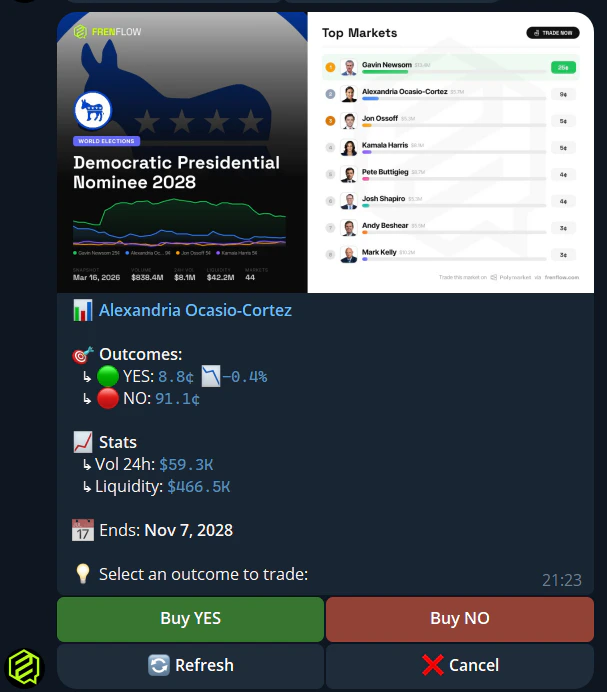
4. Manage Positions
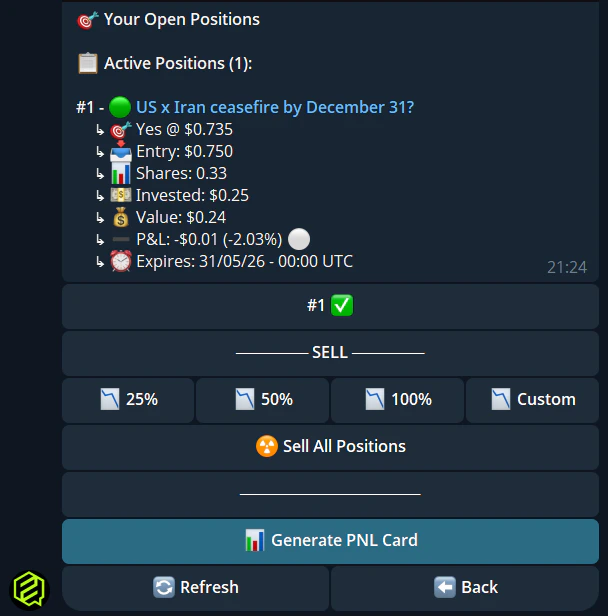
Use/positions to see all your open positions. For each position you can:
- Sell — Partial (25%, 50%, 75%) or full exit
- View market — See current prices and details
- Redeem — Claim winnings from resolved markets
Other useful commands:
5. Set Up Notifications
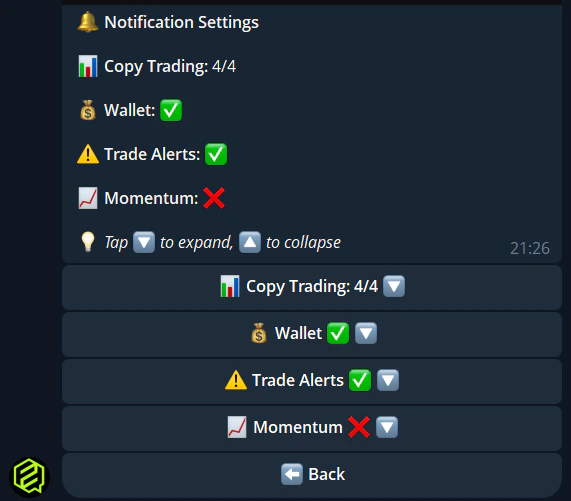
Use/notifications to configure what the bot notifies you about:
- Copy trade executions
- Limit order fills and expirations
- Position resolutions
- Wallet tracker alerts
- Price alert triggers
- Low balance warnings
6. Customize Trading Settings
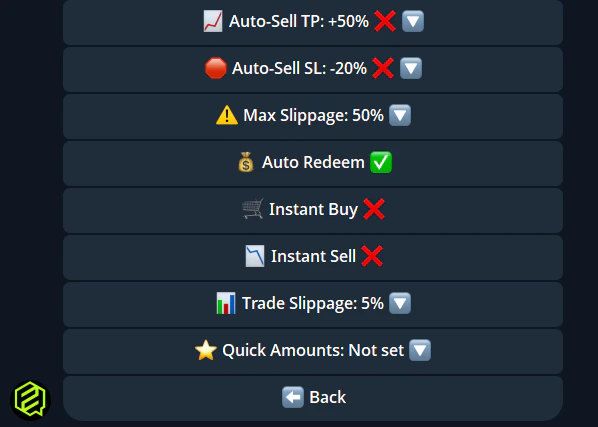
Use/settings to configure:
Essential Commands
Tips
Use quick search
Use quick search
Don’t bother with /search for specific topics. Just type “bitcoin” or “election” directly and the bot finds matching markets instantly.
Set up quick-buy amounts
Set up quick-buy amounts
Configure your favorite amounts in /settings so you can trade in two taps instead of typing a number every time.
Enable instant buy
Enable instant buy
In /settings, toggle Instant Buy to skip the confirmation step. Faster trading, but be careful — no take-backs.
Pin the bot
Pin the bot
Pin the FrenFlow bot in your Telegram chat list so it’s always one tap away.