Documentation Index

Fetch the complete documentation index at: https://docs.frenflow.com/llms.txt

Use this file to discover all available pages before exploring further.

Telegram Commands

Bot Commands

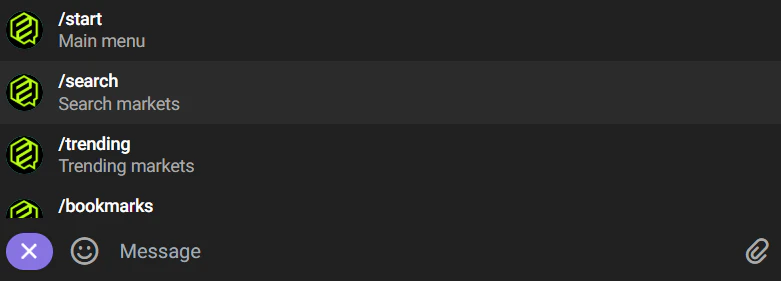
CommandDescription
/startMain menu
/walletView balance and deposit address
/positionsView open positions and redeemable winnings
/statsTrading statistics (volume, PnL, trades)
/pointsFren Points balance and Aura level
/leadersBrowse the trader leaderboard
/follow @usernameStart copy trading a trader
/unfollow @usernameStop copy trading
/tradersView and manage your copied leaders
/searchSearch for traders or markets
/track 0x...Add a wallet to the tracker
/trackingView tracked wallets
/bookmarksYour saved markets
/settingsRisk settings (TP, SL, slippage, quick amounts)
/notificationsNotification preferences
You don’t need /search — just type any text directly and the bot will search for matching markets. For example, type “bitcoin” to find BTC-related markets.
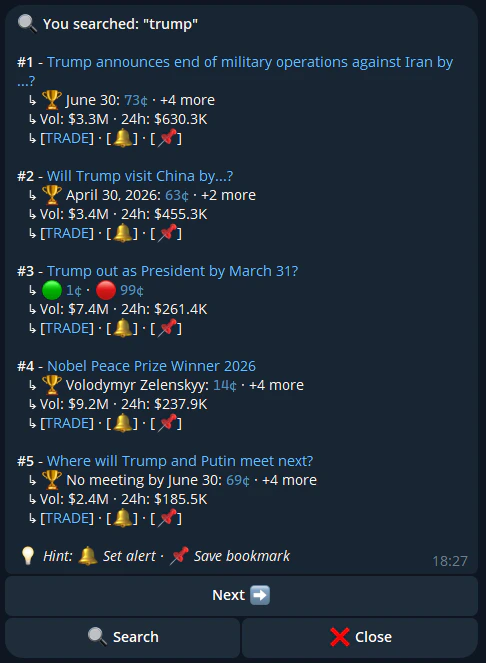
Telegram Search

Trading from Telegram

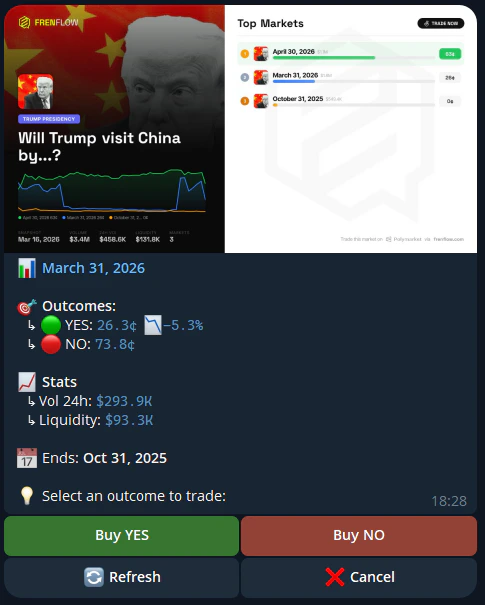
When you find a market:
  1. Tap on the market to see details
  2. Choose Buy Yes or Buy No
  3. Enter your amount or use quick-buy buttons
  4. Confirm the trade
Buy Yes or No

The same trading engine powers both web and Telegram — same speed, same execution.