> ## Documentation Index
> Fetch the complete documentation index at: https://docs.frenflow.com/llms.txt
> Use this file to discover all available pages before exploring further.
# Follow Traders
> Follow your favorite prediction market traders, see their activity in your feed, and build your trading network on FrenFlow.
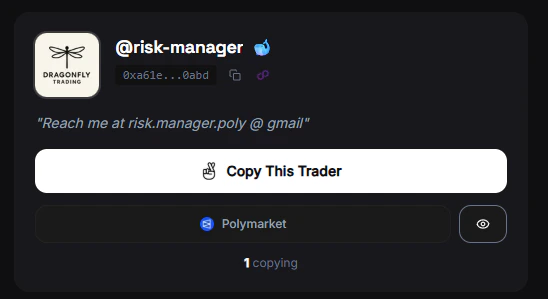 ## Following Traders
Follow other FrenFlow users to see their activity in your feed. Following is the social layer — it's separate from copy trading.
## Following vs. Copy Trading
See their trades and posts in your feed. **Free** — no USDC needed. Earns you Fren Points.
Automatically mirror their trades with real money. Uses your USDC balance. See [Copy Trading](/copy-trading/how-it-works).
## How to Follow
From the **[Leaderboard](/leaderboard/overview)**, **[Social Feed](/social/feed)**, or search by username.
The **Follow** button appears on every user profile and in the feed.
Switch to the **Following** tab in the social feed to see only activity from your network.
## Your Network
On your profile, you can see:
* **Following** — Users you follow
* **Followers** — Users who follow you
* **Following feed** — Activity from your network only
Following other users earns you Fren Points. Build your network and discover good traders at the same time.
## Following Traders
Follow other FrenFlow users to see their activity in your feed. Following is the social layer — it's separate from copy trading.
## Following vs. Copy Trading
See their trades and posts in your feed. **Free** — no USDC needed. Earns you Fren Points.
Automatically mirror their trades with real money. Uses your USDC balance. See [Copy Trading](/copy-trading/how-it-works).
## How to Follow
From the **[Leaderboard](/leaderboard/overview)**, **[Social Feed](/social/feed)**, or search by username.
The **Follow** button appears on every user profile and in the feed.
Switch to the **Following** tab in the social feed to see only activity from your network.
## Your Network
On your profile, you can see:
* **Following** — Users you follow
* **Followers** — Users who follow you
* **Following feed** — Activity from your network only
Following other users earns you Fren Points. Build your network and discover good traders at the same time.