> ## Documentation Index
> Fetch the complete documentation index at: https://docs.frenflow.com/llms.txt
> Use this file to discover all available pages before exploring further.
# Profile Settings
> Customize your FrenFlow profile. Set username, avatar, bio, and manage your linked accounts and social connections.
 ## Profile Settings
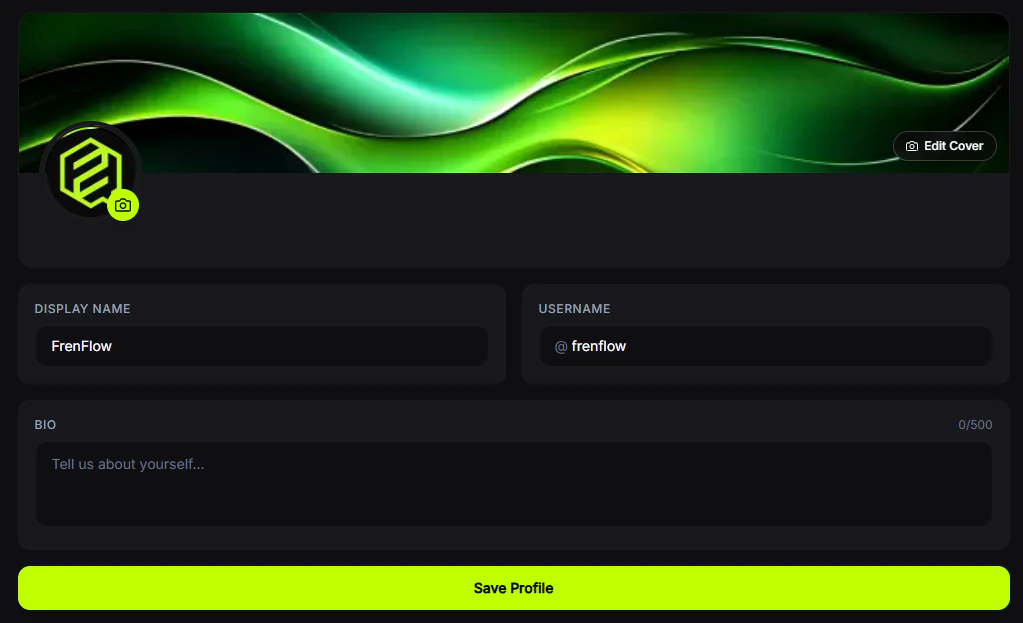
Customize how you appear on FrenFlow.
## Editable Fields
| Field | Description |
| ----------------- | --------------------------------------- |
| **Username** | Your unique @handle |
| **Display name** | The name shown on your profile |
| **Bio** | Short description about yourself |
| **Profile image** | Your avatar (JPEG, PNG, GIF, or WebP) |
| **Cover image** | Banner image at the top of your profile |
## Linked Accounts
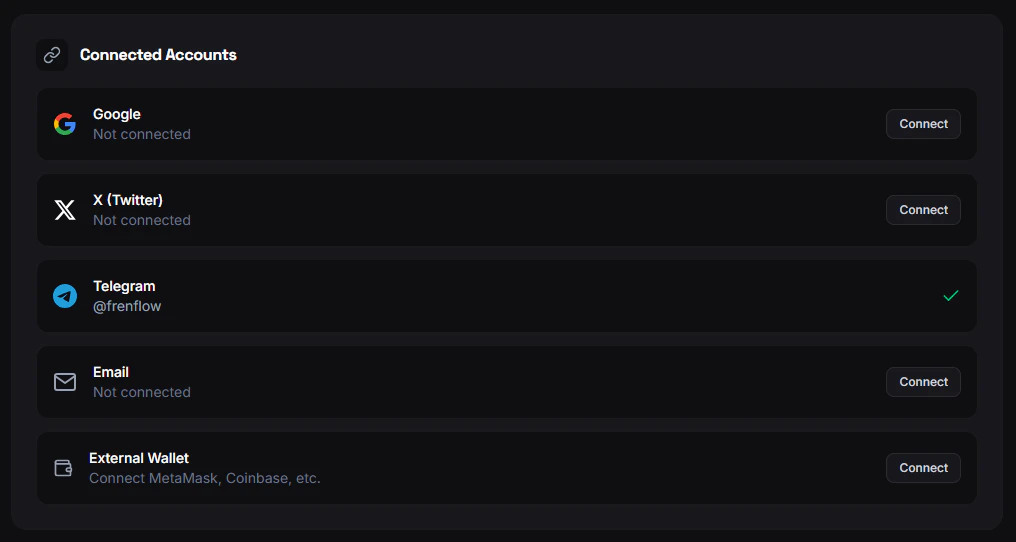
Connect additional accounts to your FrenFlow profile:
* **Email** — For login and notifications
* **Wallet** — External crypto wallet
* **X (Twitter)** — Show your Twitter handle
* **Telegram** — Link your Telegram for bot access
* **Discord** — Connect your Discord account
## Profile Settings
Customize how you appear on FrenFlow.
## Editable Fields
| Field | Description |
| ----------------- | --------------------------------------- |
| **Username** | Your unique @handle |
| **Display name** | The name shown on your profile |
| **Bio** | Short description about yourself |
| **Profile image** | Your avatar (JPEG, PNG, GIF, or WebP) |
| **Cover image** | Banner image at the top of your profile |
## Linked Accounts
Connect additional accounts to your FrenFlow profile:
* **Email** — For login and notifications
* **Wallet** — External crypto wallet
* **X (Twitter)** — Show your Twitter handle
* **Telegram** — Link your Telegram for bot access
* **Discord** — Connect your Discord account
 ## Ninja Mode
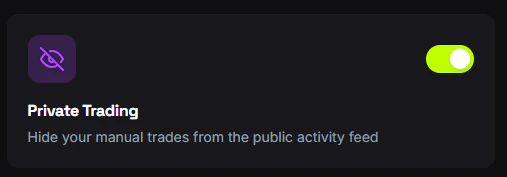
Enable **Ninja Mode** to hide your portfolio and trading activity from public view. Your profile stays visible, but your positions and trade history become private.
## Ninja Mode
Enable **Ninja Mode** to hide your portfolio and trading activity from public view. Your profile stays visible, but your positions and trade history become private.
 ## From Telegram
Use `/account` in the bot to view your connected account info, Telegram ID, wallet address, and trading status. You can also link or unlink your web account from the bot.
## From Telegram
Use `/account` in the bot to view your connected account info, Telegram ID, wallet address, and trading status. You can also link or unlink your web account from the bot.