> ## Documentation Index
> Fetch the complete documentation index at: https://docs.frenflow.com/llms.txt
> Use this file to discover all available pages before exploring further.
# Degenbox — Custom Dashboard
> Build your custom prediction markets dashboard. Pin favorite markets, track events in real-time, and trade directly from your Degenbox.
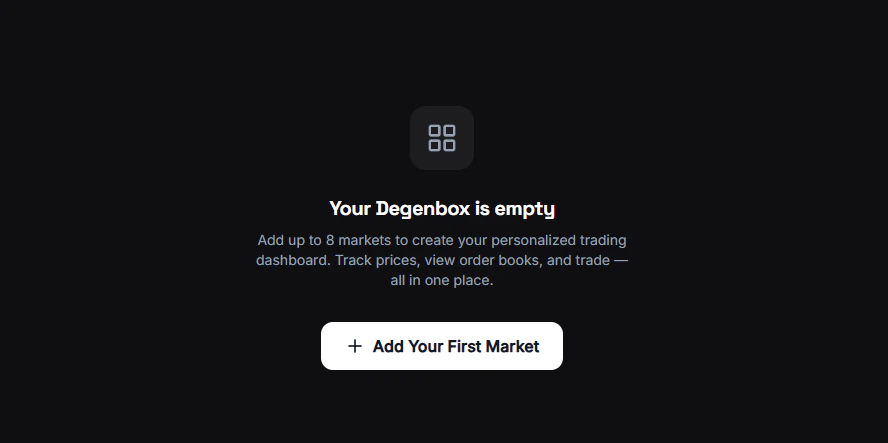 ## What is Degenbox?
Degenbox is your personal, customizable market dashboard. Add the markets you care about most and monitor them all in one place with live price updates.
Think of it as a multi-screen trading desk — but for prediction markets.
## How It Works
Navigate to the Degenbox page from the sidebar.
Click the **+** button and search for any Polymarket market or event. Add as many as you want.
For each market, choose what to display: orderbook, recent trades, or price chart. See [Customize](/degenbox/customize) for all options.
All markets update in real-time. Rearrange them by dragging and dropping.
## Market Data
Live YES/NO probability for every market on your board.
24h trading activity — see which markets are heating up.
Switch each card between orderbook, trades, or chart.
## Persistence
Your Degenbox layout is saved locally in your browser. Your markets and arrangement persist across sessions — no need to set it up again each time.
Degenbox is a web-only feature. On Telegram, use `/bookmarks` for a similar saved-markets experience.
## What is Degenbox?
Degenbox is your personal, customizable market dashboard. Add the markets you care about most and monitor them all in one place with live price updates.
Think of it as a multi-screen trading desk — but for prediction markets.
## How It Works
Navigate to the Degenbox page from the sidebar.
Click the **+** button and search for any Polymarket market or event. Add as many as you want.
For each market, choose what to display: orderbook, recent trades, or price chart. See [Customize](/degenbox/customize) for all options.
All markets update in real-time. Rearrange them by dragging and dropping.
## Market Data
Live YES/NO probability for every market on your board.
24h trading activity — see which markets are heating up.
Switch each card between orderbook, trades, or chart.
## Persistence
Your Degenbox layout is saved locally in your browser. Your markets and arrangement persist across sessions — no need to set it up again each time.
Degenbox is a web-only feature. On Telegram, use `/bookmarks` for a similar saved-markets experience.