> ## Documentation Index
> Fetch the complete documentation index at: https://docs.frenflow.com/llms.txt
> Use this file to discover all available pages before exploring further.
# Price Alerts
> Set price alerts on prediction markets. Get notified via web or Telegram when a market hits your target price.
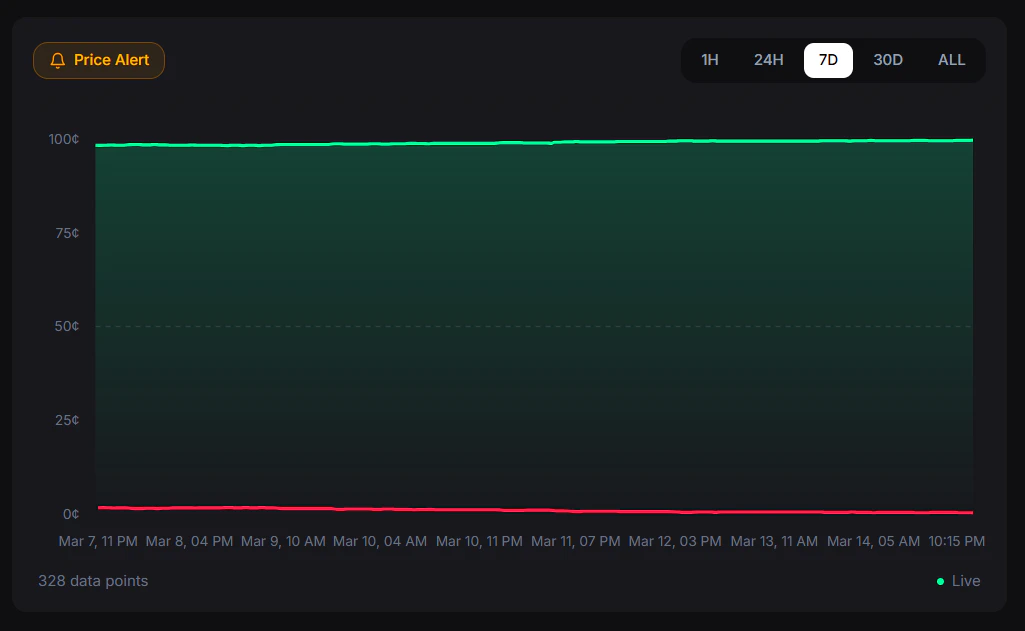 ## Price Alerts
Set price alerts on any market to get notified when the probability hits your target. Never miss a trading opportunity.
## How to Set an Alert
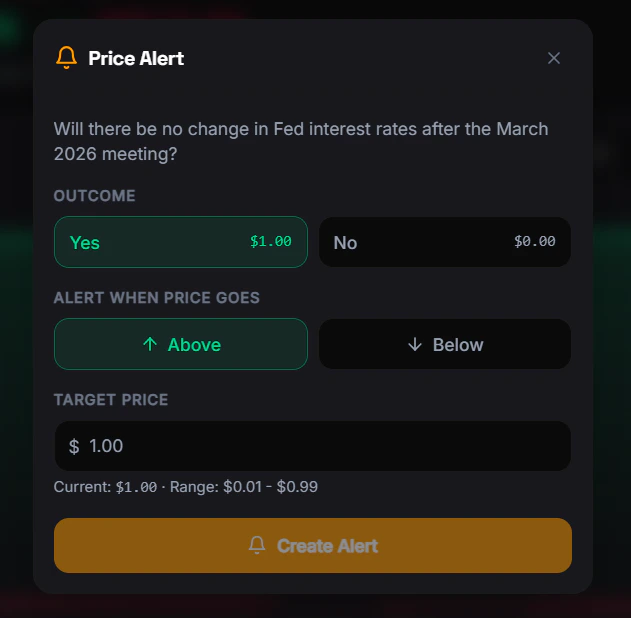
Go to any market detail page.
Set your target price and condition.
Choose **above** or **below** your target price (1¢ to 99¢).
You'll be notified when the market hits your target.
## Price Alerts
Set price alerts on any market to get notified when the probability hits your target. Never miss a trading opportunity.
## How to Set an Alert
Go to any market detail page.
Set your target price and condition.
Choose **above** or **below** your target price (1¢ to 99¢).
You'll be notified when the market hits your target.
 When the market price crosses your target:
* **Web Push** — Notification in your browser
* **Telegram Alert** — Message from the FrenFlow bot
## Alert Rules
| Rule | Value |
| --------------------- | ------------------------------------------- |
| **Max active alerts** | 5 per user |
| **Price range** | 1¢ to 99¢ |
| **Conditions** | Above or below target |
| **Expiration** | Optional — set an expiry date or leave open |
## Where Alerts Appear
* **Web** — Browser push notifications
* **Telegram** — Direct message from the bot
## From Telegram
Manage price alerts directly from the bot:
```
/alerts — View and manage your active alerts
```
When the market price crosses your target:
* **Web Push** — Notification in your browser
* **Telegram Alert** — Message from the FrenFlow bot
## Alert Rules
| Rule | Value |
| --------------------- | ------------------------------------------- |
| **Max active alerts** | 5 per user |
| **Price range** | 1¢ to 99¢ |
| **Conditions** | Above or below target |
| **Expiration** | Optional — set an expiry date or leave open |
## Where Alerts Appear
* **Web** — Browser push notifications
* **Telegram** — Direct message from the bot
## From Telegram
Manage price alerts directly from the bot:
```
/alerts — View and manage your active alerts
```
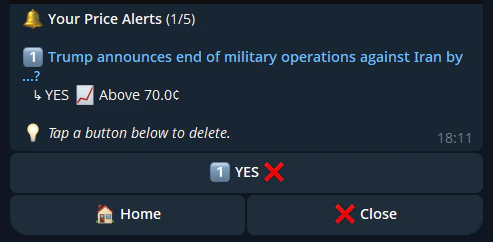 You can also create alerts by tapping the alert icon on any market in the bot. Choose the outcome (Yes/No), condition (above/below), and target price — all inline.